Share your space.
Add your work to your public profile and enable appointments. One link gives people a way to meet you.
INTRODUCING THUNDER APPOINTMENTS
Share a link. Let people find a time. Meet right inside Thunder. Your public profile, appointments, and conversations, finally in one place.
No account needed for guests. You're in control.
LET'S MAKE TIME
Monday at 10:00 AM selected
Explore the booking flowInteractive preview. Sample times, no booking is made.
01 / ONE LINK. ALL THE WAY TO HELLO.
A profile to introduce yourself. Availability that fits your day. A meeting room ready when it is time.
Add your work to your public profile and enable appointments. One link gives people a way to meet you.
Set meeting lengths, available hours, and days off. Guests choose a slot and verify their email. You approve, or enable automatic confirmation.
Confirmed guests receive a private link and join code. Admit them from the waiting room and start the conversation. No guest account required.
YOUR CALENDAR, BUILT IN
Manage requests, reply to guests, and see your agenda inside Thunder. There is no separate calendar account to connect.
Manage your availabilityRoom to focusSet buffers between meetings and block out busy dates.
Plans change. Your time stays protected.The original reservation stays held until your guest accepts a new time.
Bring everyone into the conversationMeet with up to eight people, share your screen, and keep control of admission.
A quick meeting or the whole dayOffer appointment slots or accept full-day reservation requests with your approval.
Hosting is for Thunder members. Booking opens when the profile owner enables it. Guests can request and join without creating an account.
SEE WHAT'S NEW / THE PRODUCT WALKTHROUGH
See appointments and visitor messaging in action: book a time, keep the conversation together, and meet right inside Thunder.
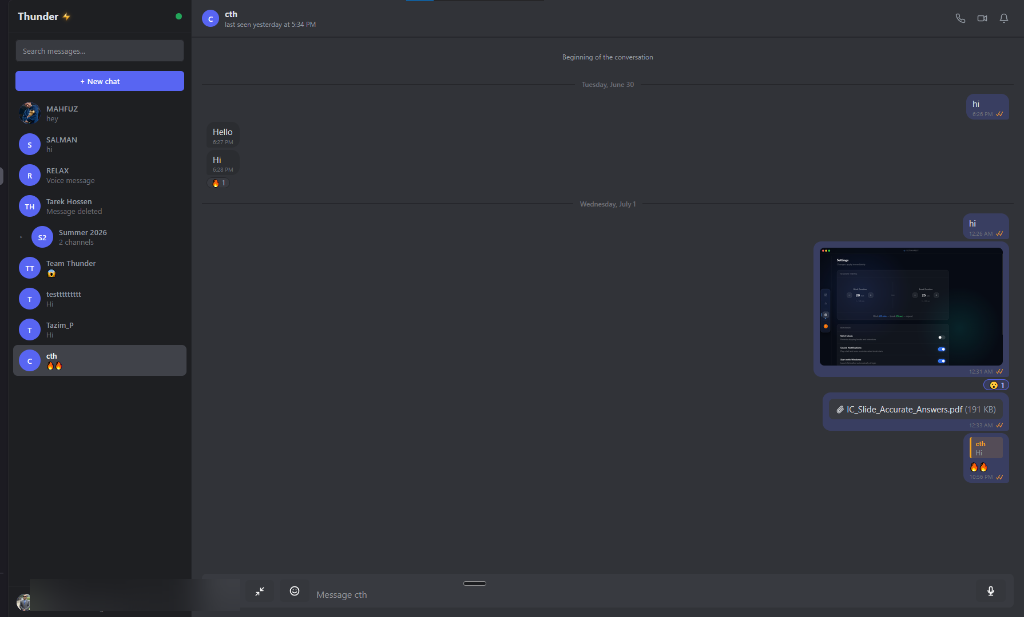
02 / AND ALL YOUR EVERYDAY CONVERSATIONS
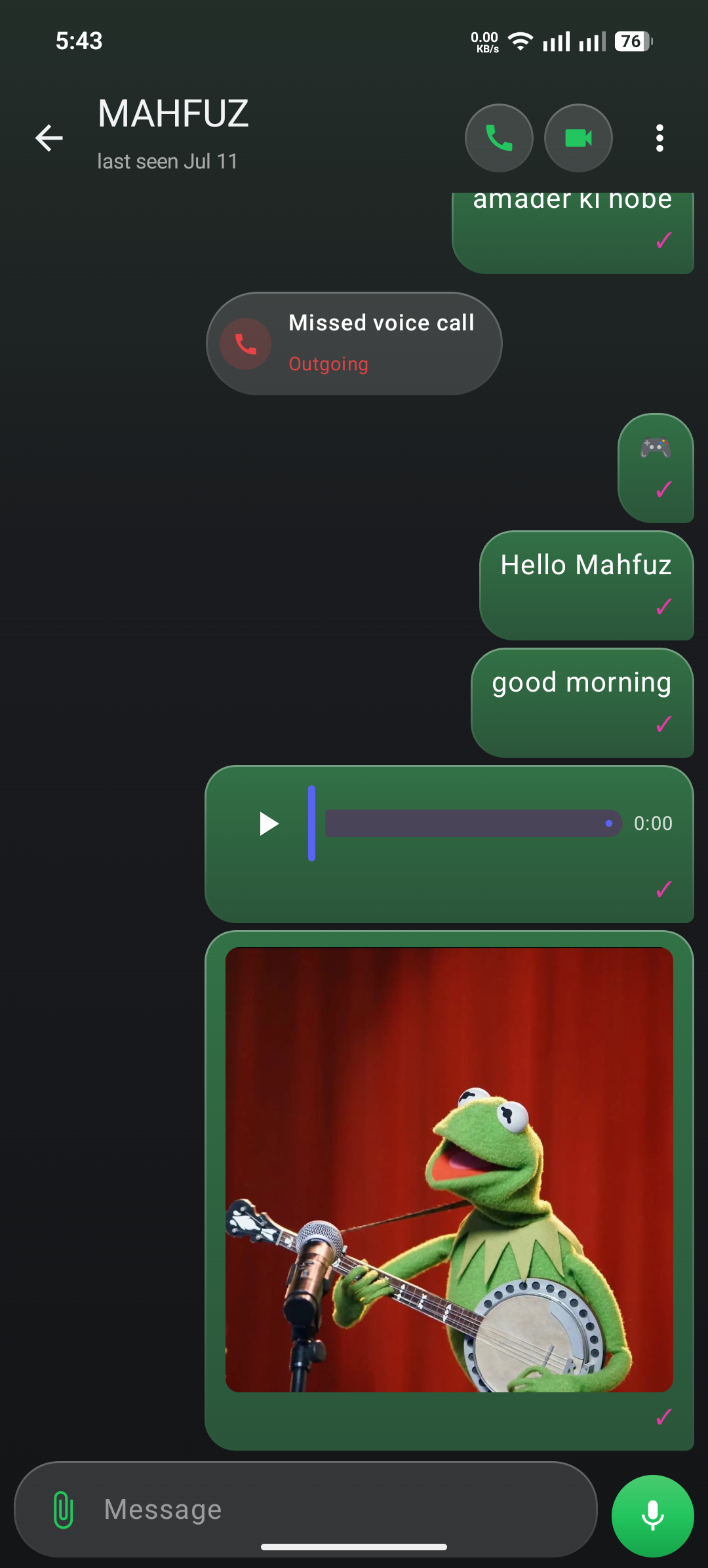
Stay close to family and friends with the chats, calls, and little moments that made Thunder feel like home.
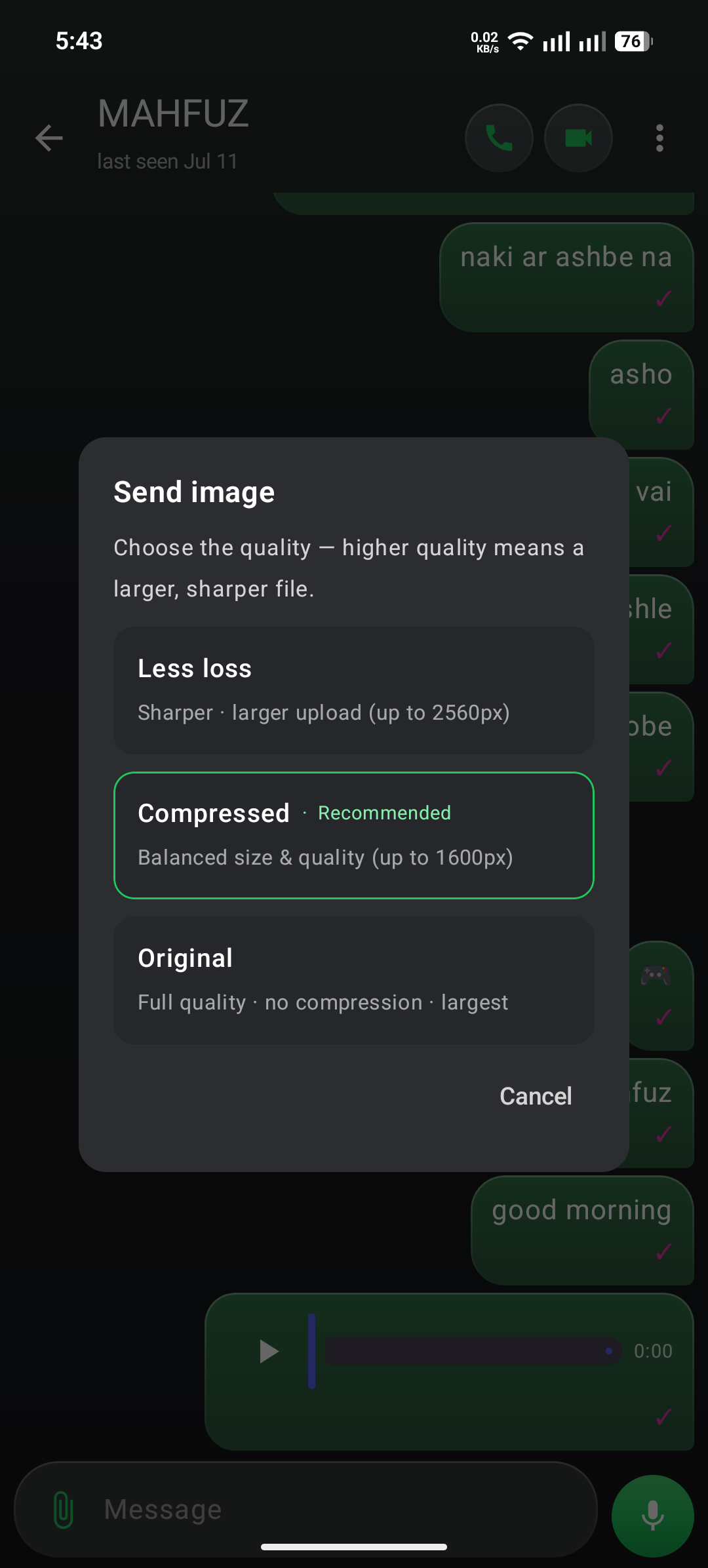
A message, a voice note, a photo that needs no explanation. Share the moment however it feels right.
Hear a familiar voice. See a familiar face. Move from the chat to a voice or video call.
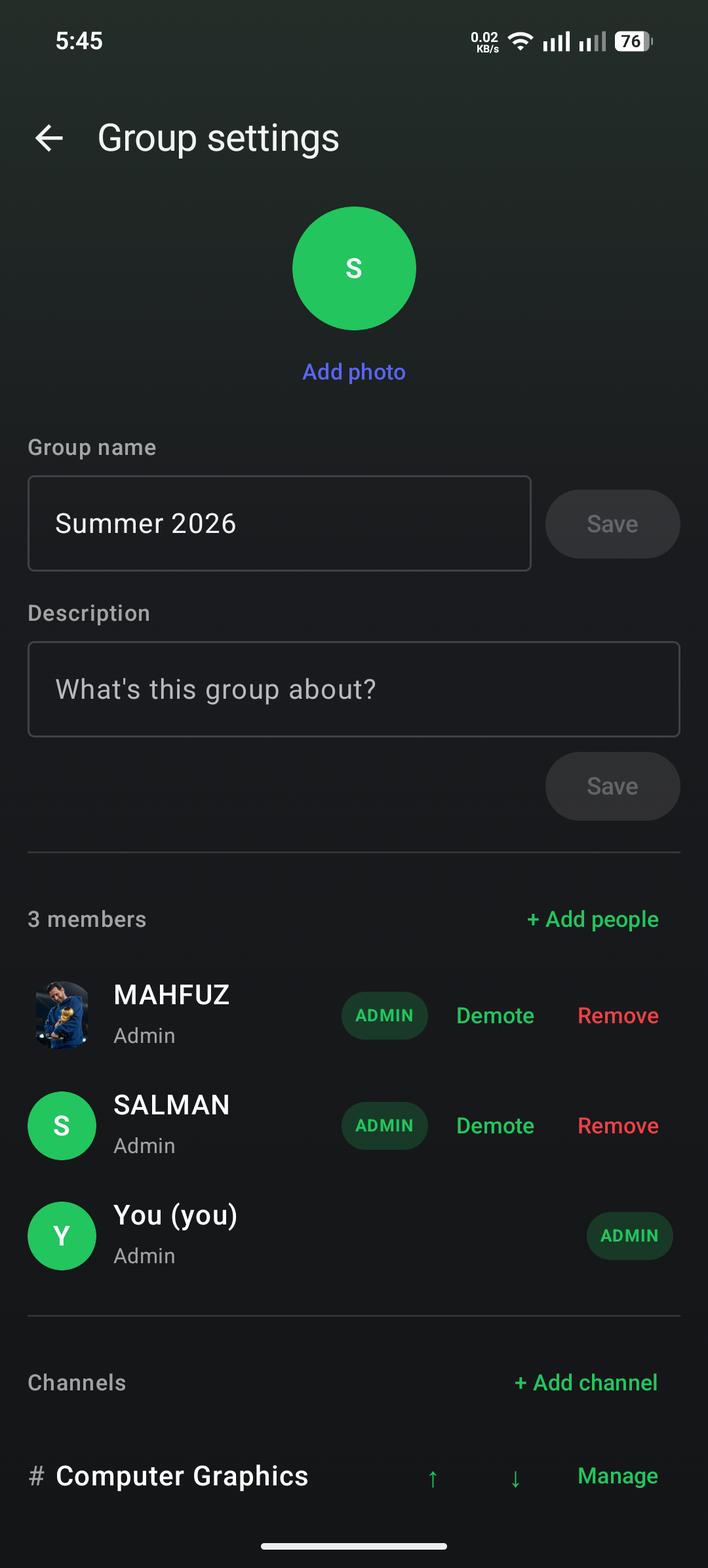
Family plans, close friends, and the group that always has something to say. Give each conversation its own space.
Find that message. Pin that plan. Reply to the right moment, or leave a reaction when words can wait.
03 / SAME PEOPLE. DIFFERENT SCREENS.
04 / A LOOK INSIDE
See the architecture behind Thunder's messaging experience, from the moment you hit send to the moment your people hear from you.
05 / A PERSONAL PROJECT
Thunder started with a simple idea: a place for family and close friends to stay connected.
Built by Tazim Hossen, it is an app he uses every day and keeps improving. Now, public profiles and appointments give those conversations a new way to begin.
Membership starts with an invitation. Meeting guests can join through their private link, without becoming a member.
THTazim HossenFounder & builderWHAT'S NEXT / THE ROAD AHEAD
We are exploring AI features that make time together more useful, while keeping you in control.
Describe the meeting you need in everyday language. A future assistant could help you find suitable slots within the host's availability.
AI scheduling assistanceTurn the appointment details you choose to share into a concise preparation brief, with suggested topics and questions.
Meeting preparation briefsWith participant consent, create an editable recap and action items from a meeting transcript you choose to provide.
Summaries & follow-up draftsThese are proposed directions, not currently available features. Scope and timing depend on funding, development, and testing. Any AI processing would be opt-in, with review before sharing.
THE NEXT CHAPTER
Thunder is preparing for a broader public launch. Access will open to everyone once funding is secured to support reliable infrastructure, ongoing server costs, and sustainable growth.
Public availability will be announced here. Until then, membership remains invitation-based.
Discuss funding or partnershipsA FEW THINGS TO KNOW
Thunder is currently invitation-based. Public access is planned once funding is secured to cover infrastructure and ongoing server costs. If you already have an invitation, open the app to create your account. For questions about access, reach out at hi@thunderchat.tech.
Yes. When a member enables appointments on their public profile, guests can request an available time and verify their email. Confirmed guests receive a private meeting link and join code, with no account required.
Thunder will open to the public once funding is secured to support reliable hosting and ongoing infrastructure costs. We will announce public availability here when those resources are in place.
We are preparing to launch Thunder on Google Play. It is coming soon, and a store link will be added here when it is available. No release date has been announced yet.
Thunder has web, desktop, and Android clients. Existing members can open the web app at thunderchat.tech. Google Play availability is coming soon.
Thunder is a small, invite-only community. Private describes who can join. Messages are not end-to-end encrypted, and are stored on the server.
Send questions, feedback, or a simple hello to hi@thunderchat.tech.
YOUR TIME. YOUR PEOPLE. YOUR THUNDER.
Start with your profile. Take it all the way to hello.